
 Free on the App Store
Turn your sheet
into music.
Scan a page of sheet music and practice it note by note. Rehearse names every note, shows which hand plays it, and lights up the keys you need next.

How it works
From paper to practice in three steps.
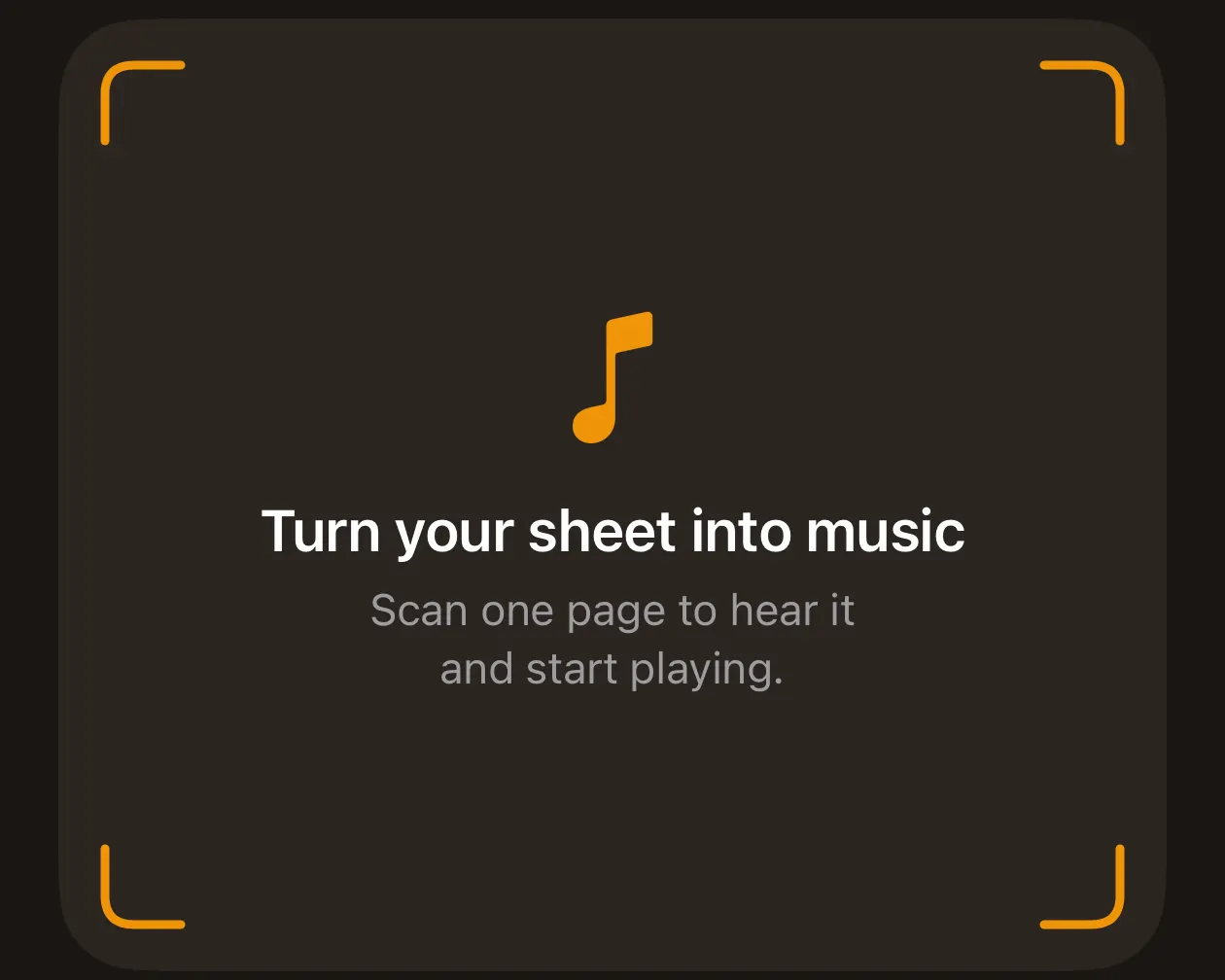
Scan the page
Point your camera at printed sheet music, or upload a PDF or photo you already have.
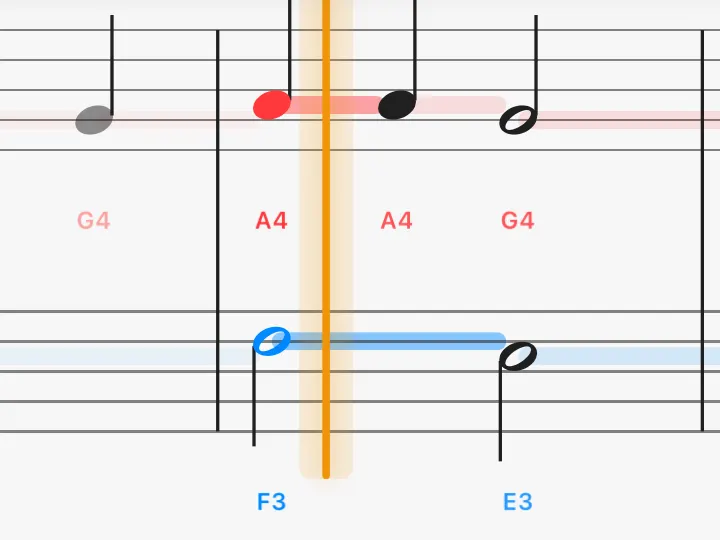
Read every note
Each note is named, like C4 or G4. Right-hand notes show in red and left-hand notes in blue.
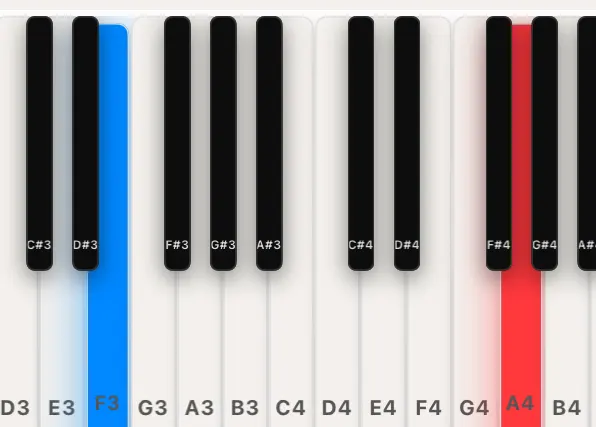
Play along
The guide moves note by note and lights up the keys to press next, so you always know where you are.


Try it
Play your first line right now.
This is what practice feels like in Rehearse. Press the key that lights up and the music moves with you.
Bravo!
You just played the first line of Twinkle Twinkle Little Star.
Rehearse does this for any sheet you scan, with both hands.

Turn your sound on. On a computer, you can also use the A to K keys.
Inside the app
Everything you need to keep practicing.
Your scans, a library of songs to learn, and quick search, all a tap away.


Chord feedback
Play a chord and get feedback, so you can check your accuracy and hear how harmony works.
Your own pace
Slow down, repeat the hard bars, and build accuracy over time.
Theory as you go
Learn notes, chords and reading basics while you practice real pieces.
Interactive lessons
Guided lessons that walk you through the fundamentals step by step.
Playlists
Group pieces into collections and keep your practice organized.
Your music, not ours
Bring the songs, exercises and assignments you already play.
Who it's for
For anyone with a page to learn.
Music students
Practice between lessons and arrive prepared.
Beginners
Learn to read sheet music one note at a time.
Returning players
Pick your instrument back up without starting over.
Teachers
Give students a clear way to practice on their own.
FAQ
Questions, answered.
Is Rehearse free?
Yes. Rehearse is free to download on the App Store.
Which devices does it run on?
Rehearse is an iPhone app and needs iOS 26 or later.
What sheet music can I use?
Printed pages you photograph with your camera, or images and PDFs you upload. You can also start with the songs in the built-in library.
How accurate is the scanning?
Clear, flat, well-lit pages give the best results. Automatic recognition can occasionally differ from the original, so check tricky passages against the page.
What happens to the sheets I upload?
They are stored with encryption so you can practice them, and we never sell your data. You can delete files at any time, or delete your whole account in Settings. The Privacy Policy has the details.
How do I get help?
Email letsrehearse.studio@gmail.com or visit the Support page. We usually reply within 2 to 3 business days.

Scan it. Follow it. Play it.
Start with the piece already on your music stand. Rehearse is free on the App Store.
Scan with your iPhone camera